


How to Set up Electra Eyes in minutes

 Turn heads when driving
Make your car look fun and unique with glowing, animated eyes. People will notice your car everywhere you go, day or night!
 Increase safety on the road by becoming more visible
Make your car stand out, helping others see you better in low light or bad weather. The bright, glowing lights can make driving safer by grabbing attention quickly.
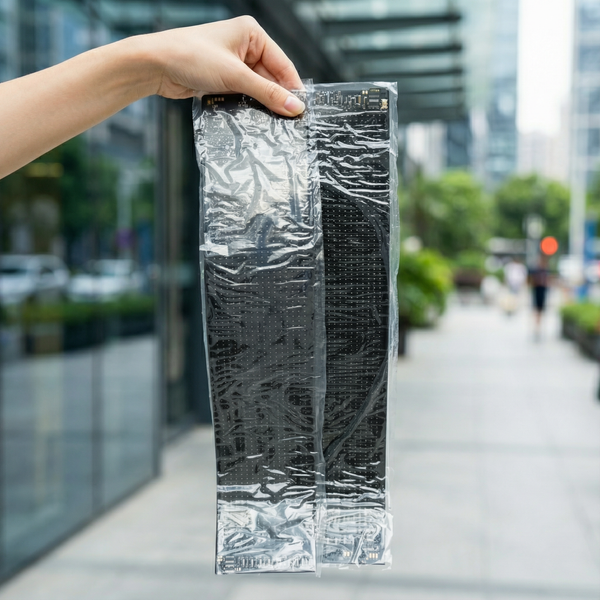
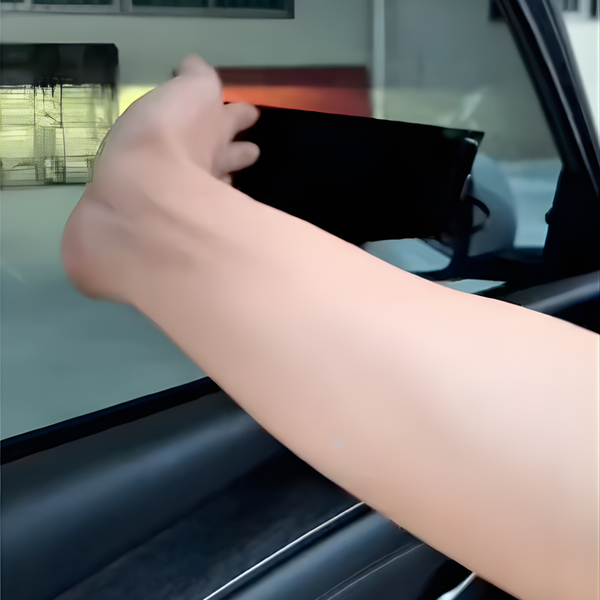
 No Tools Required for Installation
You don’t need any tools to set it up, so it’s super easy. Just stick it on, turn it on, and enjoy!
Give your car a personality,
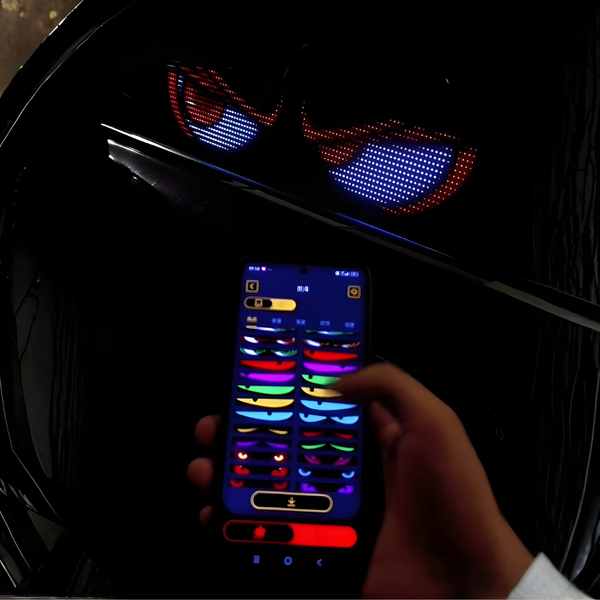
control its eyes with a tap!
Easily controlled via a mobile app, you can switch expressions, adjust brightness, and add custom animations.
With quick plug-and-play setup, no tools are needed. Just plug it in, stick it on, and go!